ComfyUI workflow engineering
Reusable, versioned node graphs and custom nodes for generation, inpainting, upscaling and batch processing. Built so artists can run them without a machine-learning degree.
Service · 01 Pipelines
I design and build the AI workflows that move shots from generation to delivery — ComfyUI automations, image and video generation, upscaling and cleanup, DIT and color tooling — engineered to hold up on a real show, not a demo reel.
In short: an AI pipeline is the connected chain of tools, models and automations that carries a shot from generation to delivery. I build that chain for film and TV teams — reusing reusable ComfyUI node graphs, integrating with existing DIT and color workflows, and keeping naming, color management and deliverables intact.
Capabilities
Reusable, versioned node graphs and custom nodes for generation, inpainting, upscaling and batch processing. Built so artists can run them without a machine-learning degree.
Text-to-image, image-to-video, and controlled generation workflows — with resolution, aspect, frame-rate and color pipeline handled end to end.
AI-assisted DIT and dailies tooling, look development, and color-aware automation that respects the pipeline your post house already runs.
Slotting generation and cleanup into existing Resolve, editorial and asset-management workflows — including naming, metadata and hand-off automation.
Inside the graphs
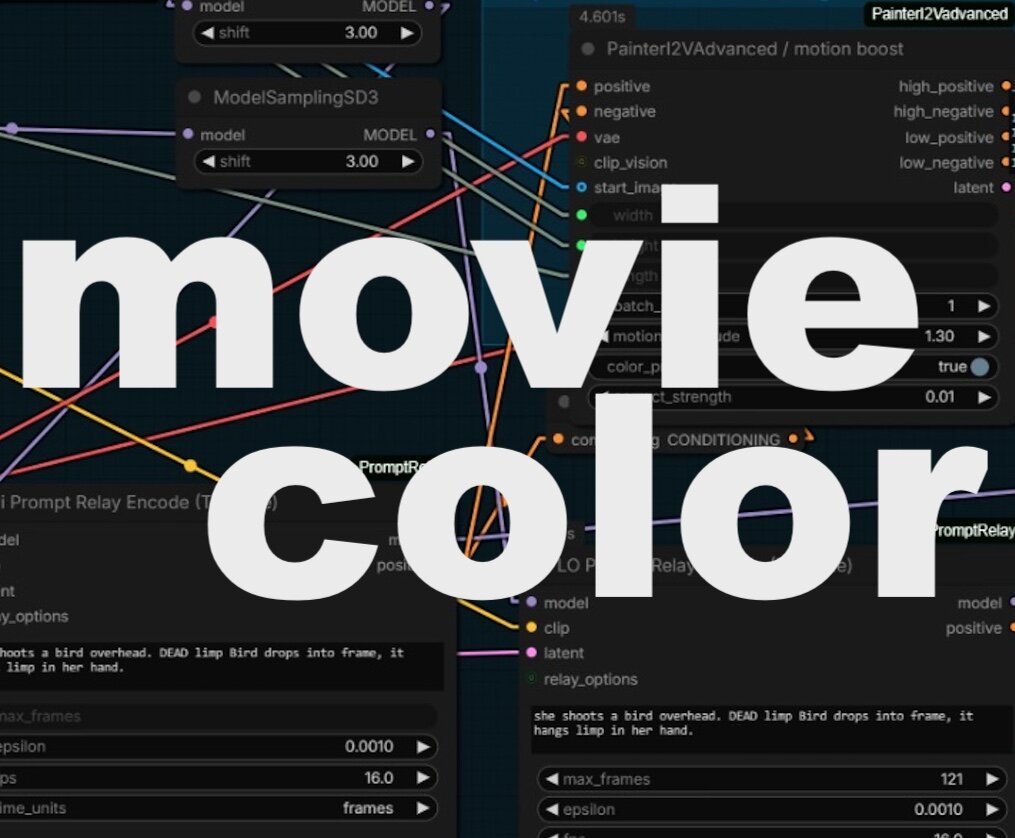
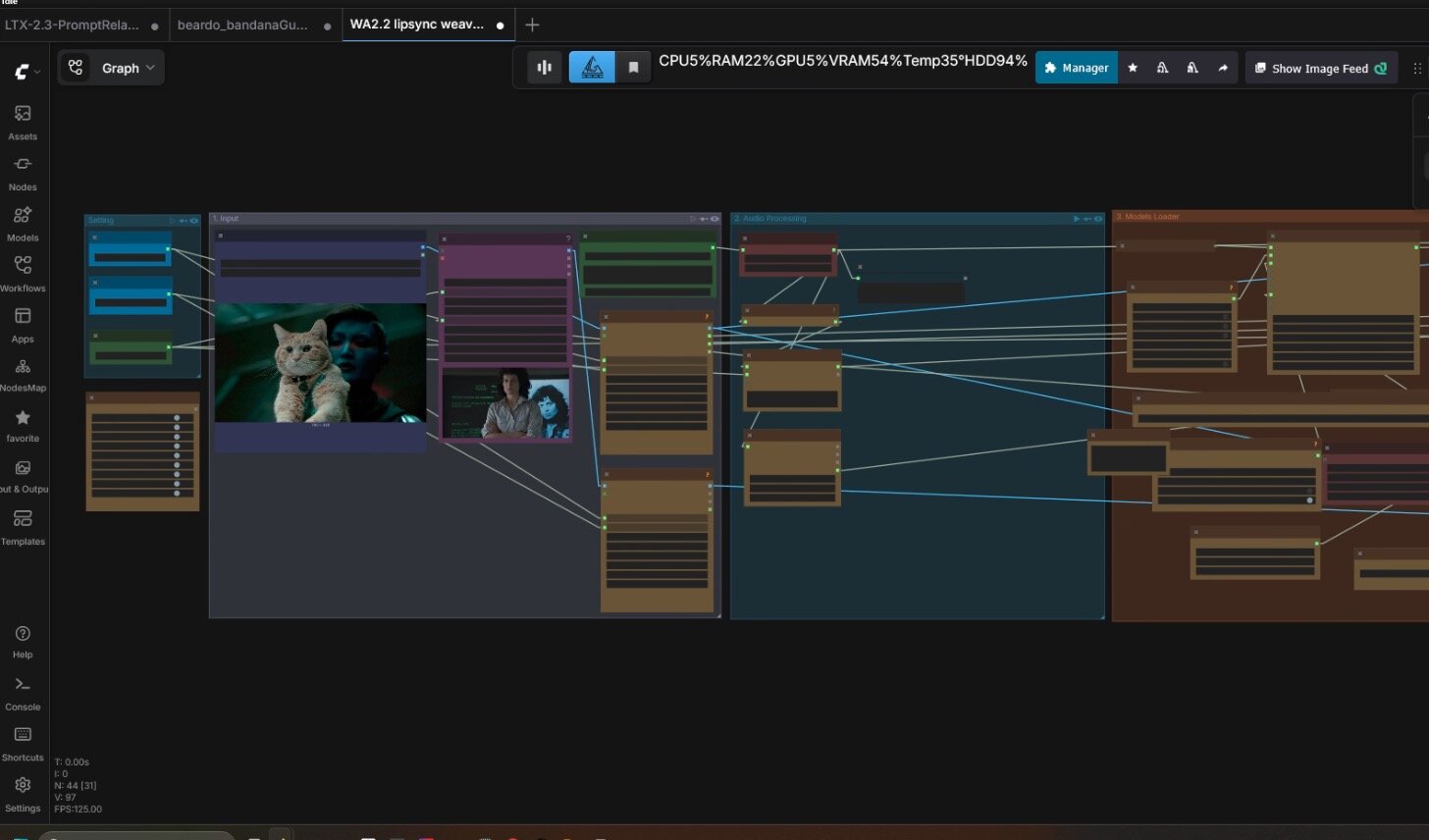
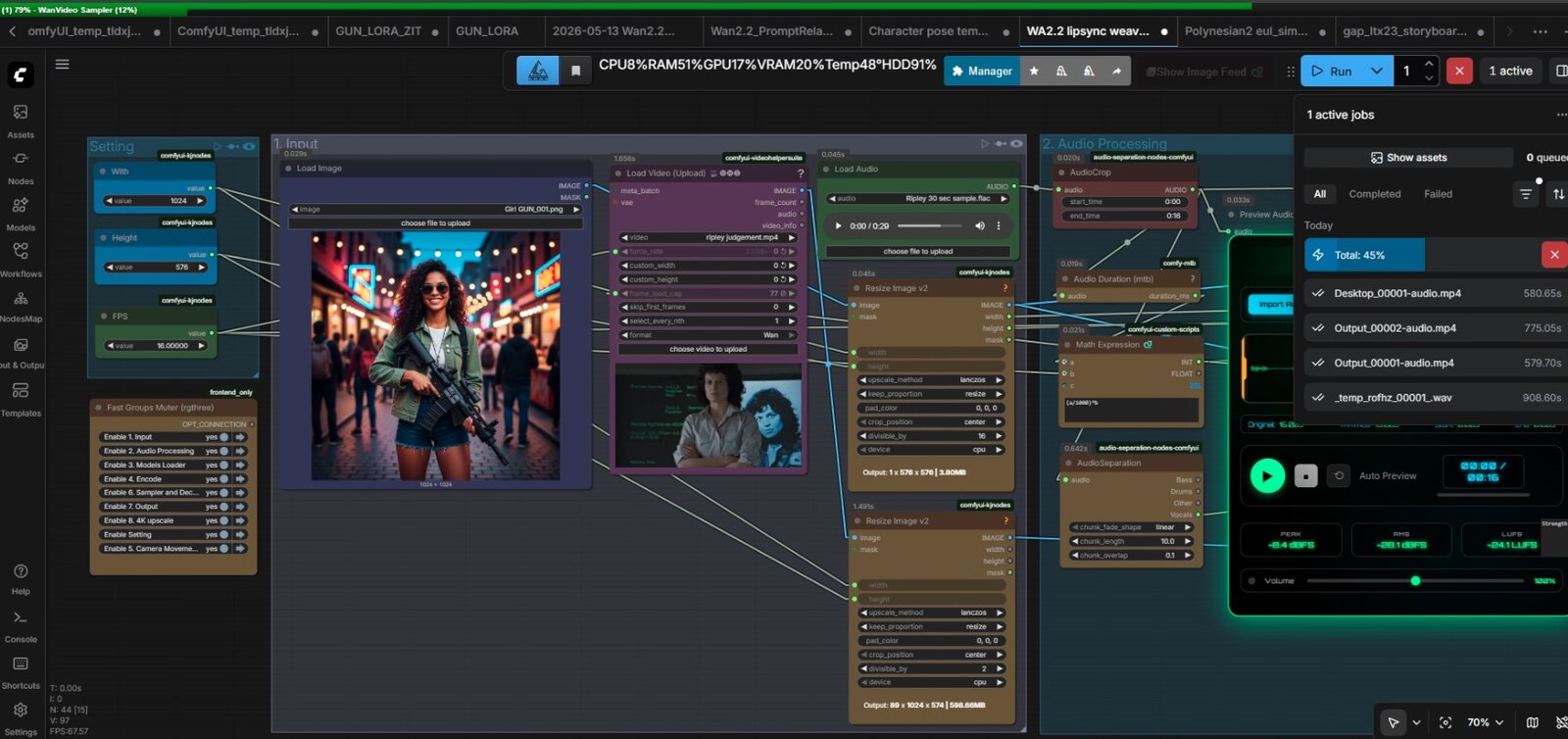
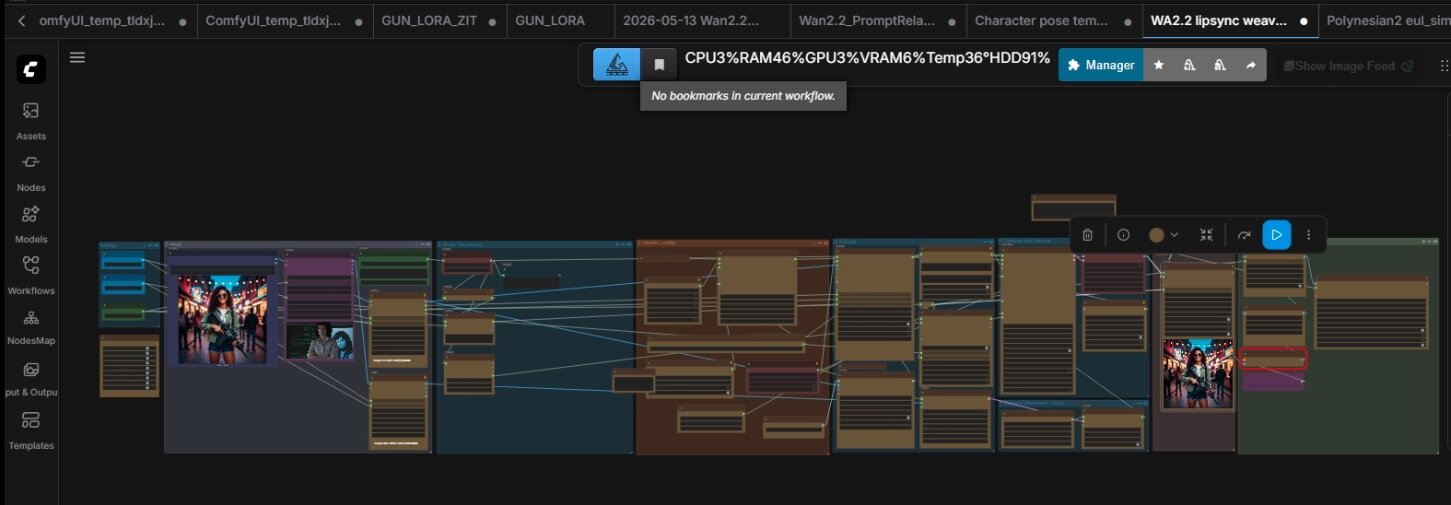
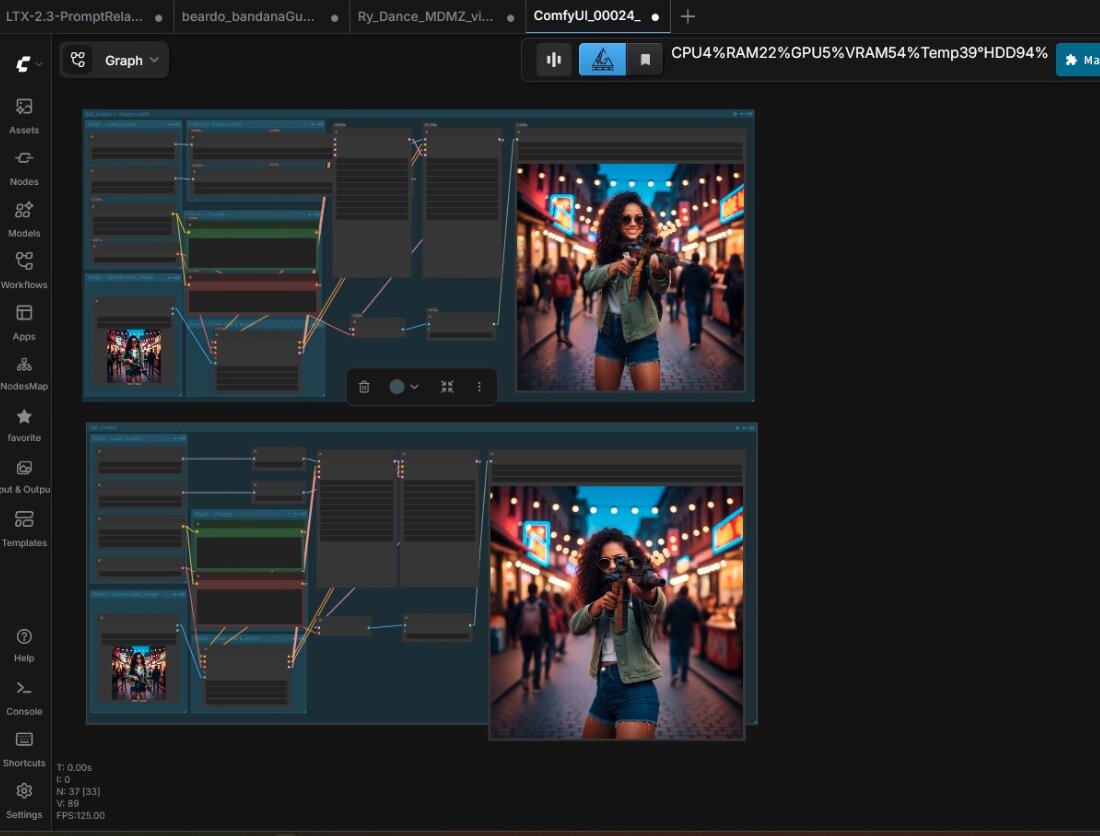
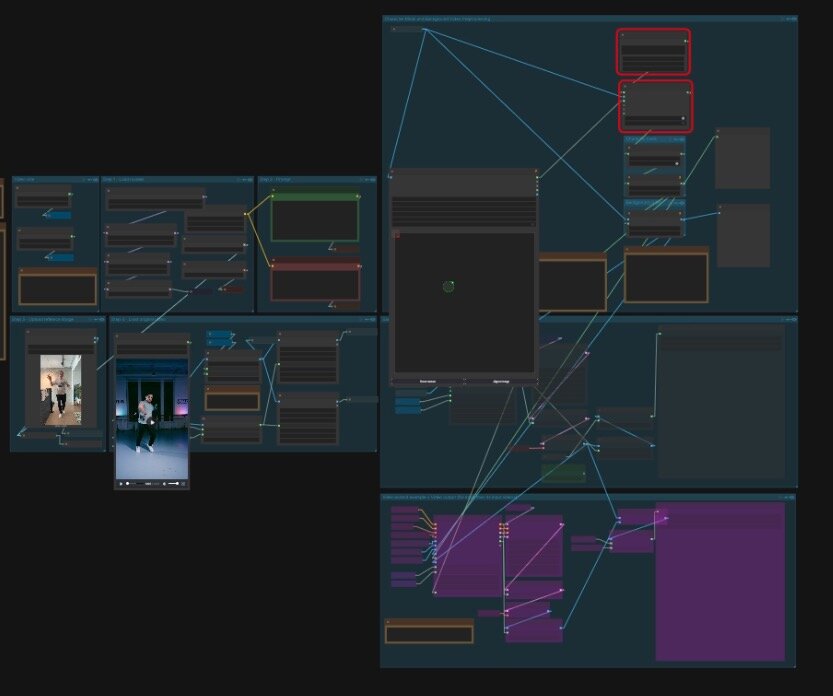
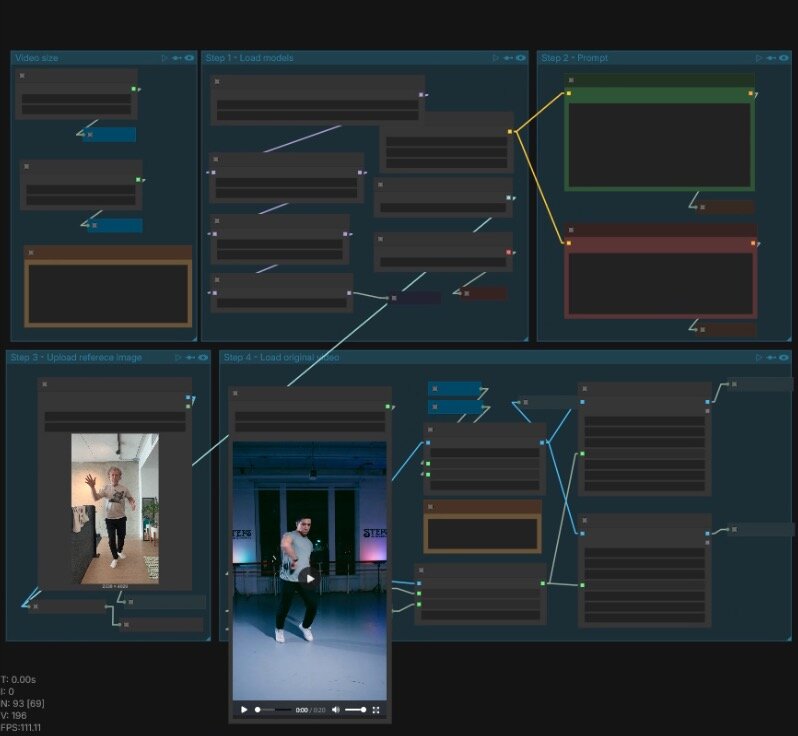
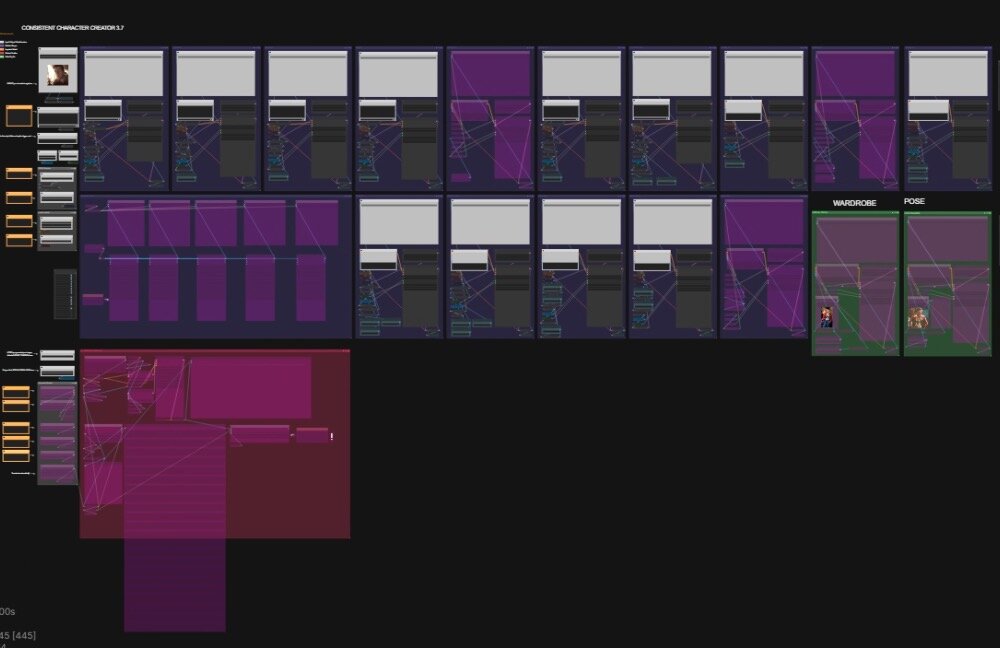
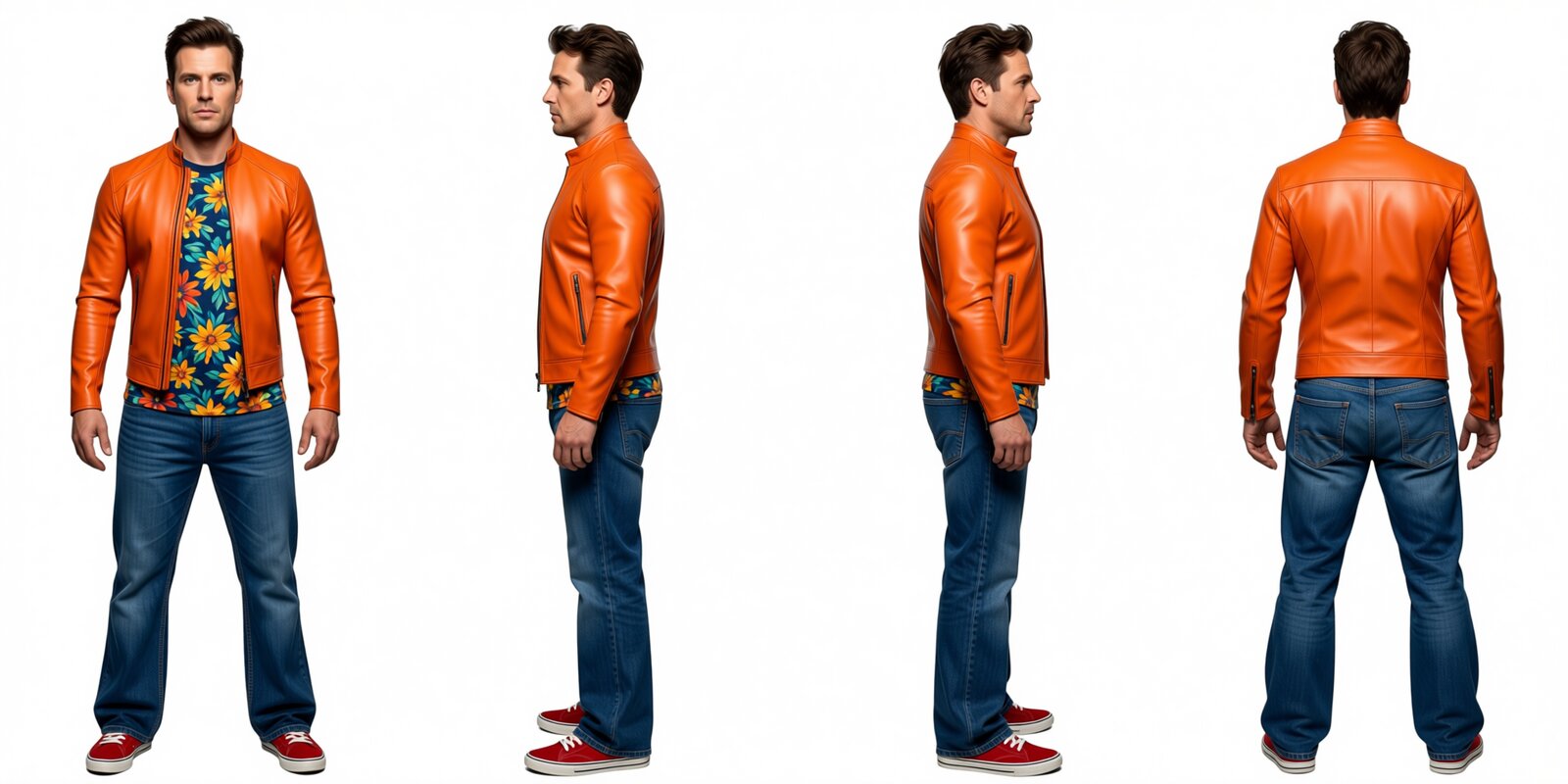
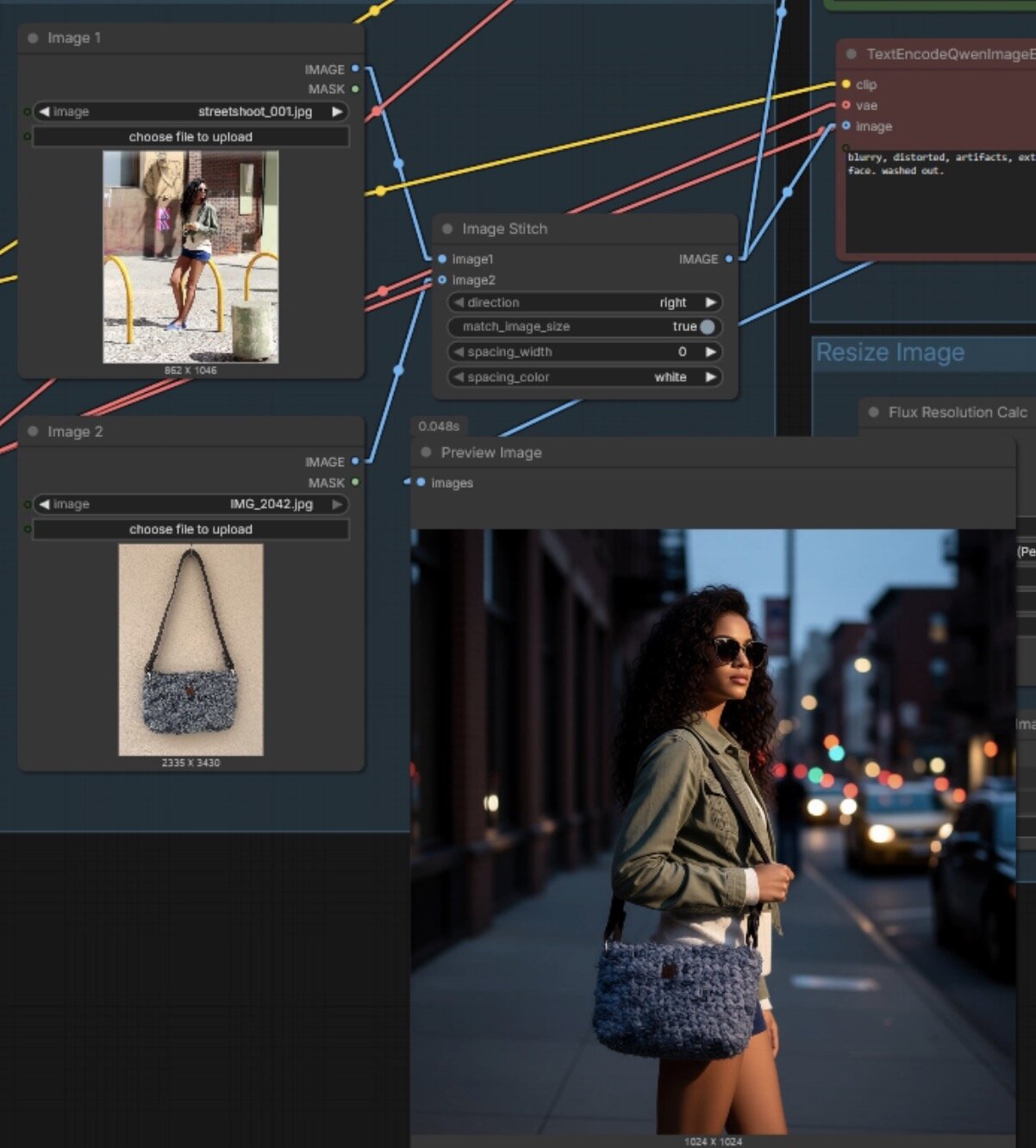
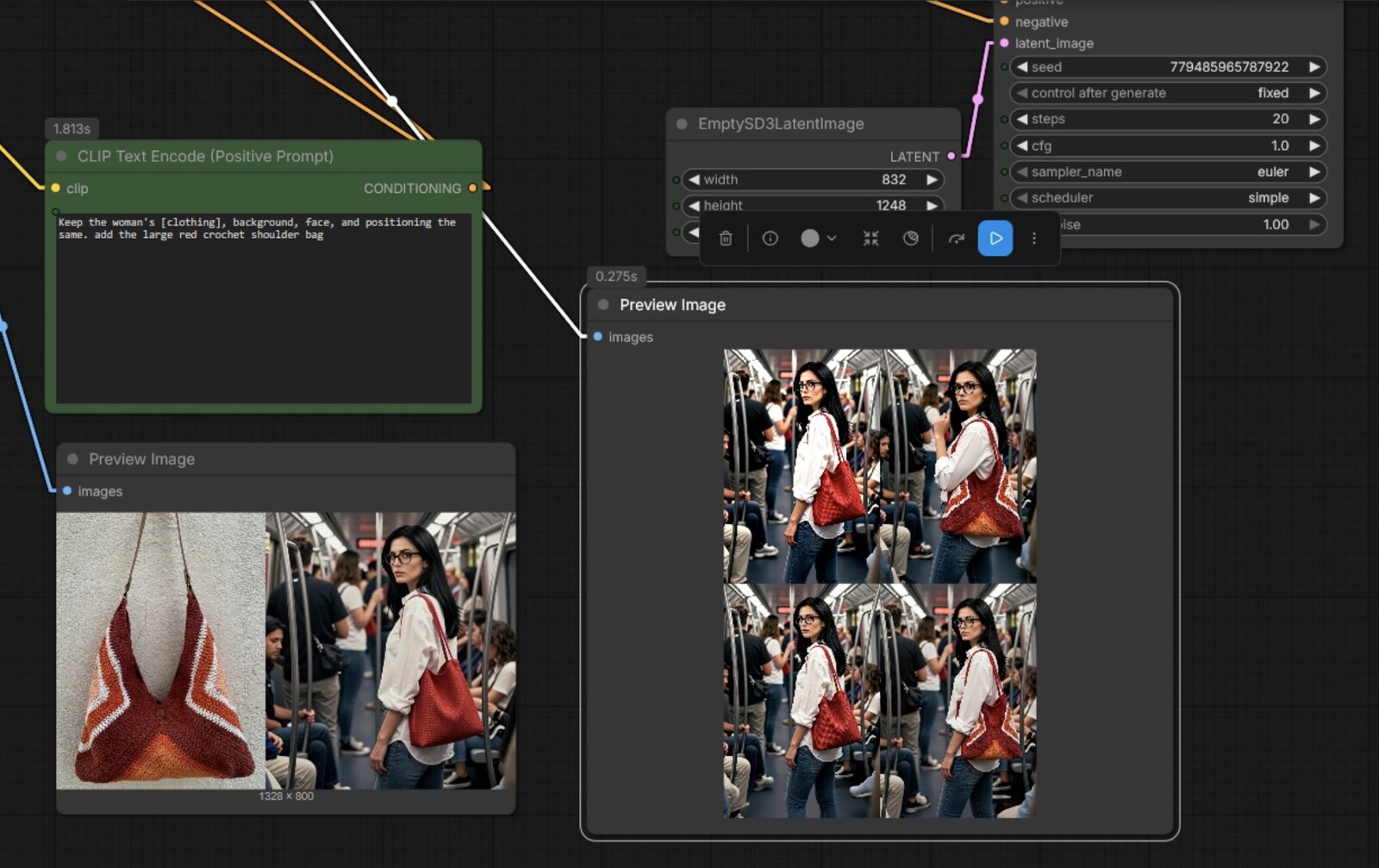
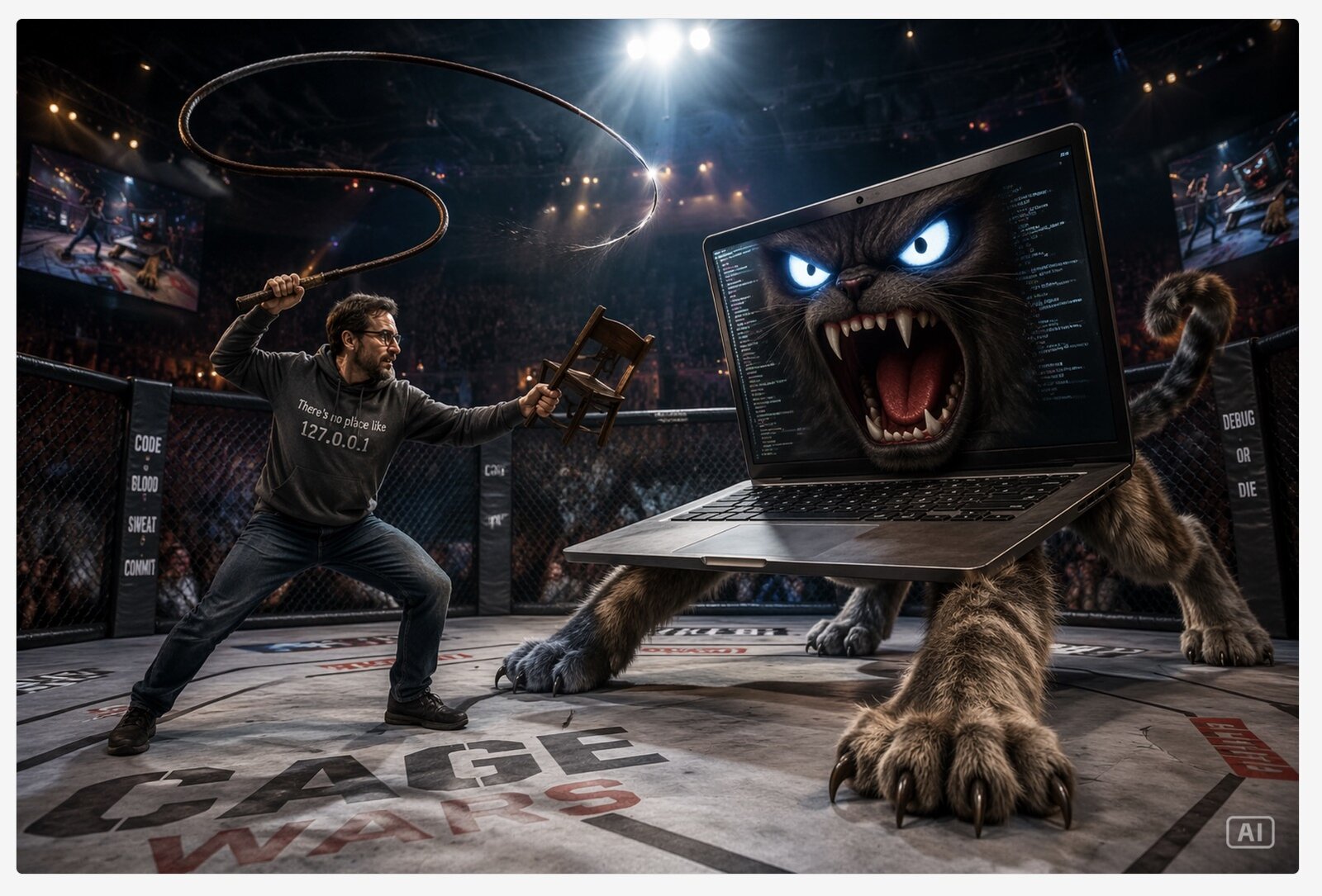
Node graphs I've engineered for generation, voice, lip-sync and animation — the same kind of pipeline I build for a show. Sample graphs shown; production graphs stay under NDA.
Process
01
A call plus a workflow audit to find where AI actually saves time and money.
02
A written build plan: what to automate, what to skip, hardware and model needs.
03
Pipelines and nodes built, tested on your footage, and documented for your artists.
04
Training, documentation, and ongoing support so the pipeline survives after I leave.
Questions
An AI pipeline is the connected chain of tools, models and automations that moves a shot from generation to delivery — image or video generation, upscaling, cleanup, color, versioning, and the metadata that ties it all together. In film and TV it has to survive real turnaround and deliverable specs, not just look good in a demo.
Yes — ComfyUI is my primary environment for building custom generation and image-processing workflows. I engineer reusable node graphs, custom nodes, and batch/automated pipelines that artists can actually run on a show.
Yes. Most of my work is integration, not greenfield: slotting generation, upscaling or cleanup into an existing DaVinci Resolve, DIT or editorial pipeline while keeping naming, color management and deliverables intact.
We start with a short discovery call and a workflow audit. You get a written plan — what to automate, what to leave alone, hardware and model requirements, and a build sequence — before any pipeline work begins.